 Transcribum
MP3 to Text Online — AI Transcription in Minutes
Fast and accurate platform for transcribing audio and video into text. Download the result in a convenient format.
For creators, journalists, and teams running calls and negotiations.
Transcribe videos from YouTube, Vimeo and TikTok.
Problems we solve
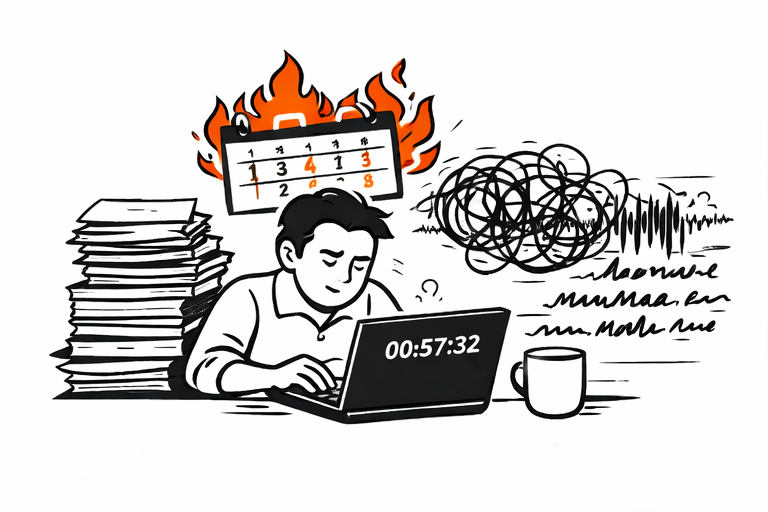
Hours lost to manual transcription when deadlines are tight. Audio transcription used to require specialist tools or costly services.
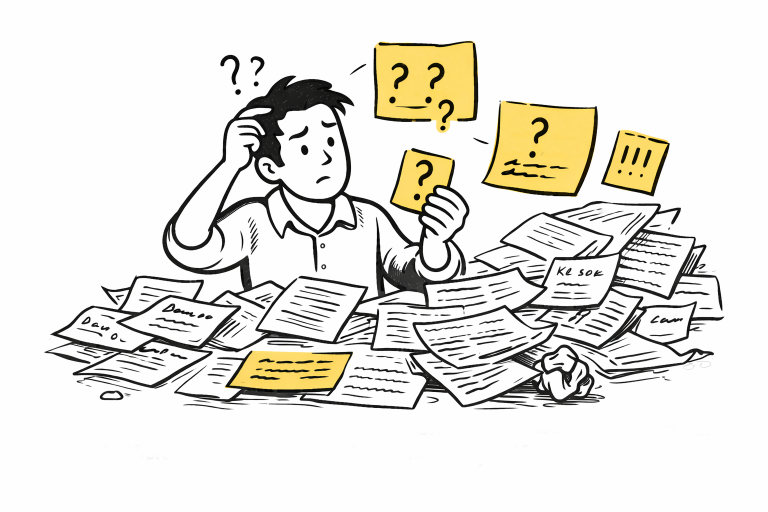
Key quotes and decisions get buried in scattered notes. Without accurate speech-to-text, important information slips through the cracks.
Preparing subtitles and text versions takes too long. Subtitle generation for video and audio content demands hours of manual effort.
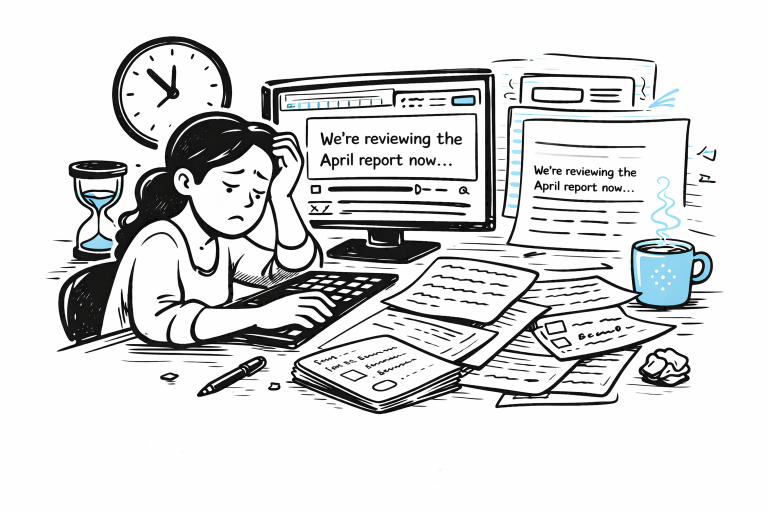
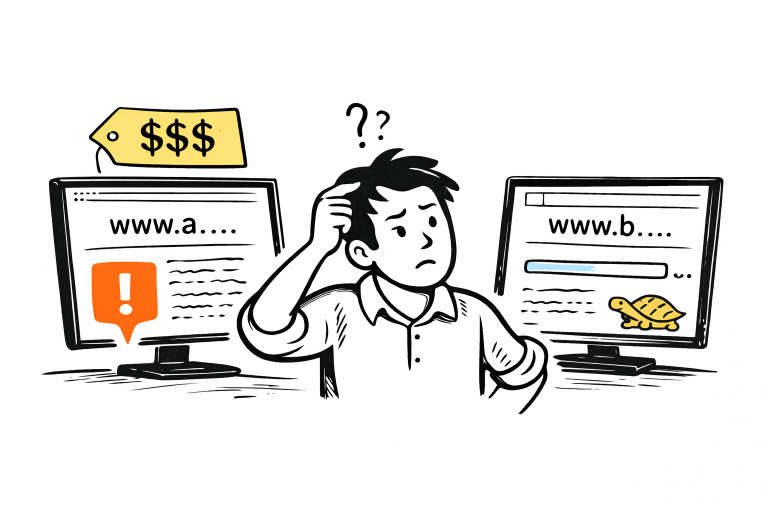
Other audio transcription services are expensive or slow — high rates or long waits for results.
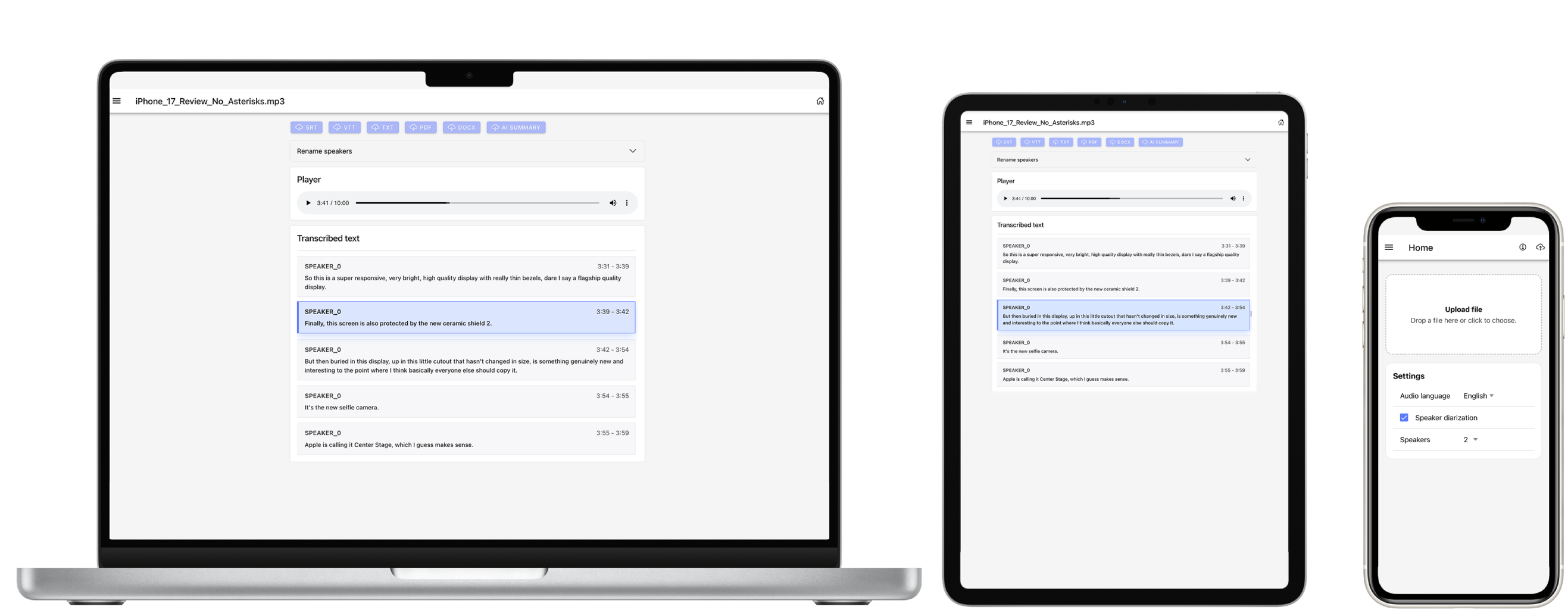
How it looks in practice
Upload a file and get a transcript with timestamps and speakers.
Simple, powerful process
Get accurate transcriptions in three simple steps
Upload Audio
Drag and drop or choose a file. All major formats supported.
AI Transcribes
Our advanced AI processes your audio with high accuracy and speed.
Download Results
Get your transcription as text or subtitles right after processing.
Everything you need for transcription
Lightning Fast
Get transcriptions in minutes, not hours. Our AI processes audio at incredible speeds. One hour of audio in 3 minutes.
Multiple Formats
Download results in TXT, SRT, VTT, PDF, DOCX formats.
Multilingual Support
We recognize English, Russian, and 99 more languages.
High Accuracy
High 95% accuracy powered by advanced AI models trained on millions of hours.
Ease of Use
No logins or passwords. Only an email is needed to sign in.
Secure & Private
Your audio files are encrypted and deleted after processing. We take privacy seriously.
What awaits you inside the service
A fast, powerful transcription system.
Audio player with synced transcript.
Download results in popular formats.
Convert MP3 to text and start working with the result right away
Need to turn an MP3 recording into clean, usable text without spending hours transcribing it by hand? Transcribum helps you convert interviews, podcasts, meetings, lectures, voice notes, and recorded calls into text in minutes, so the recording becomes something you can actually search, edit, share, and publish.
For most teams, creators, and editors, the transcript is not the final goal. It is the starting point for faster work: pulling quotes, writing summaries, preparing show notes, reviewing meetings, building internal documentation, or turning spoken content into subtitles and written assets.
Upload your MP3, let the transcription run, and get the result in a format that fits the next step in your workflow. Instead of replaying the same audio over and over, you can move straight to editing, publishing, collaboration, or handoff.
Common use cases for MP3 to text
- Turning podcast or interview recordings into editable drafts for articles, newsletters, and episode notes.
- Creating written records of internal meetings, calls, and spoken updates for teams and operations.
- Converting lectures, lessons, and research interviews into searchable notes and documentation.
- Preparing source material for subtitles, quote extraction, summaries, and editorial review.
Supported inputs and useful output formats
The search intent behind “MP3 to text” starts with one file format, but the workflow usually continues beyond a plain transcript. Different teams need different exports depending on whether they are editing, publishing, archiving, or subtitling the result.
- Input formats include MP3 and other common audio formats such as WAV, M4A, OGG, and FLAC.
- Output formats include TXT for plain text, DOCX for editing, and SRT or VTT for subtitles.
- The result can be used for documentation, editorial workflows, publishing, content repurposing, and internal knowledge sharing.
How to get better MP3 transcription results
Upload the original recording when possible instead of a heavily compressed copy from a messenger app.
Cleaner speech and less background noise usually lead to more accurate transcripts.
If several speakers are involved, a short review of speaker names and terminology is still worth doing before publication.
Choose the export format based on the next step in your workflow rather than treating every transcript as plain text.
Choose a minute package
No subscriptions or hidden fees. Minutes never expire!
Included after purchasing minutes:
Referral program
Invite friends or colleagues using your personal link and get extra free transcription minutes.
You earn 20% from every purchase made by each invited user. Always!
Demo
10 min upon signup
- No AI summaries
If you need special terms, contact us: sales@transcribum.now
FAQ about MP3 to text conversion
Can I convert long MP3 recordings to text automatically?
Yes. Long interviews, meetings, and lectures are a common use case. The final limits depend on the plan and file length, but the workflow is designed to be much faster than manual transcription.
Is MP3 to text useful for podcast and interview workflows?
Yes. It is one of the most common reasons people use this page. A transcript can become the basis for show notes, articles, summaries, subtitles, and internal editorial review.
Which export should I choose after converting MP3 to text?
TXT works well for plain reading, DOCX is better for editing and collaboration, and SRT or VTT are the usual choice when the text is meant for subtitles.
Do I need to install software to convert MP3 to text?
No. Transcribum is a web-based service, so you can upload the file, wait for processing, and receive the result directly in the browser.
Can I get an AI summary after converting MP3 to text?
Yes. After purchasing minutes, Transcribum can generate an AI summary of the transcript with the main topics, key ideas, and the most important parts of the recording. This is especially useful for long interviews, podcasts, and recorded conversations.
Ready to transform your audio?
Join thousands of content creators, journalists, and businesses who trust Transcribum